
01
Snap a photo
Take a picture of any room — bedroom, living room, kitchen, even your backyard.
The best AI interior design app for homeowners, renters, and realtors. Snap a photo of your room. Pick a style you love. Watch DecorAI turn it into a stunning new space — in under 10 seconds. No design skills needed.


Free to try · No credit card needed
 BeforeAfterAI generatedDrag to compare
DecorAI is one of the most downloaded AI interior design apps in the world.
DecorAI is an AI interior design app that redesigns any room from a single photo. Just take a picture of your space, choose from over 30 design styles — like Modern, Scandinavian, Japandi, Boho, or Industrial — and DecorAI shows you a realistic preview of how your room could look. It's the easiest way to plan a redesign, get inspiration, or see new furniture ideas before spending a single dollar.
DecorAI is available on iPhone and Android. It's free to try, works in seconds, and requires no design experience.
No tutorials. No setup. The whole thing takes under a minute.
Take a picture of any room — bedroom, living room, kitchen, even your backyard.
Choose from 30+ styles: Modern, Scandinavian, Boho, Japandi, Industrial, Coastal, and more.
In about 10 seconds, DecorAI shows you a photorealistic redesign of your space.
Whether you love minimalist Scandinavian, cozy Japandi, or bold industrial — DecorAI has a style for every taste.
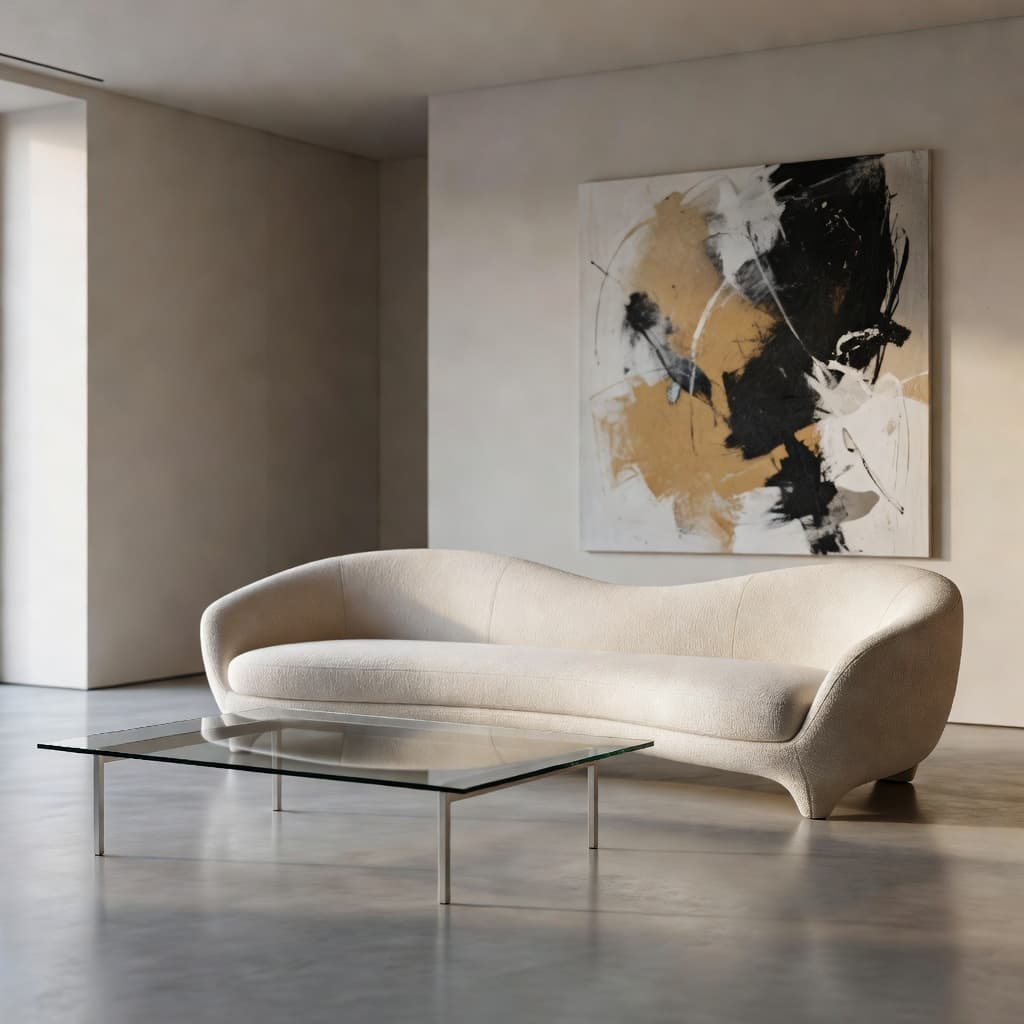
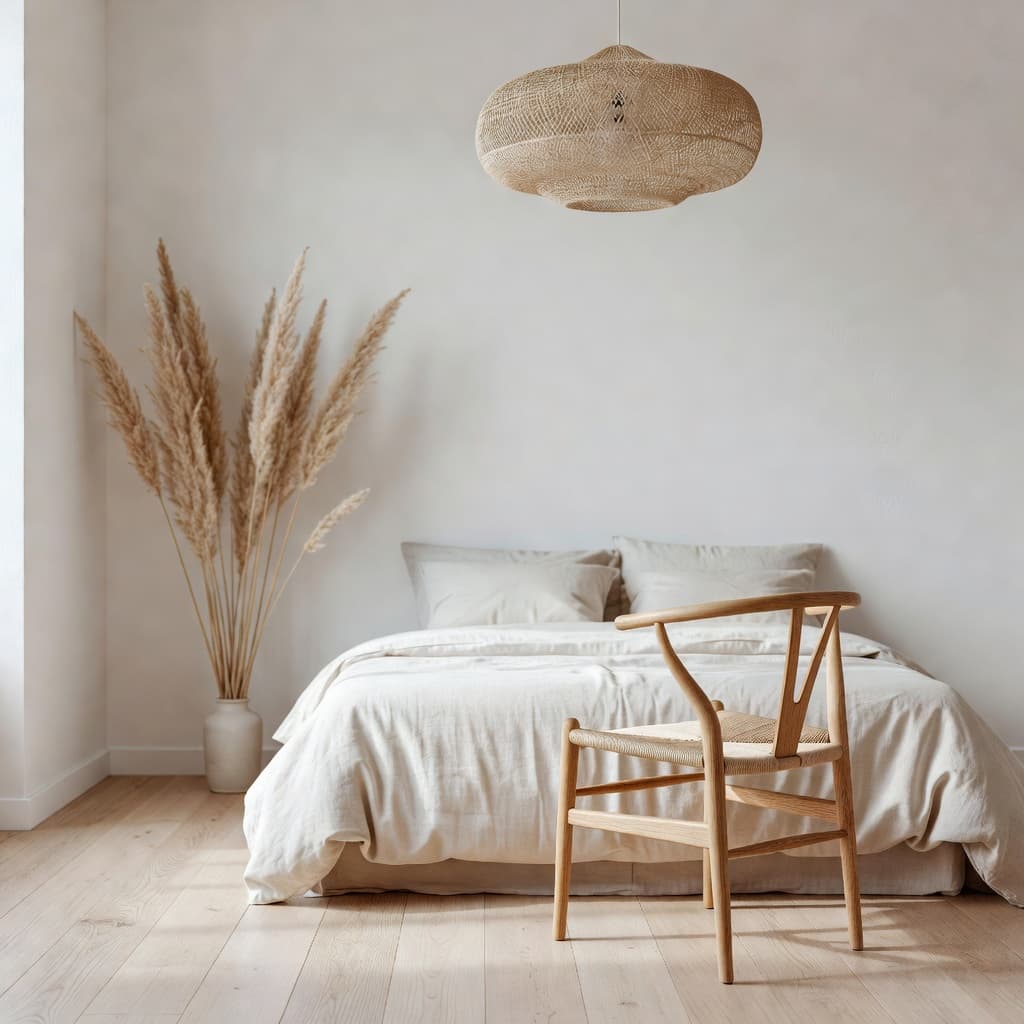
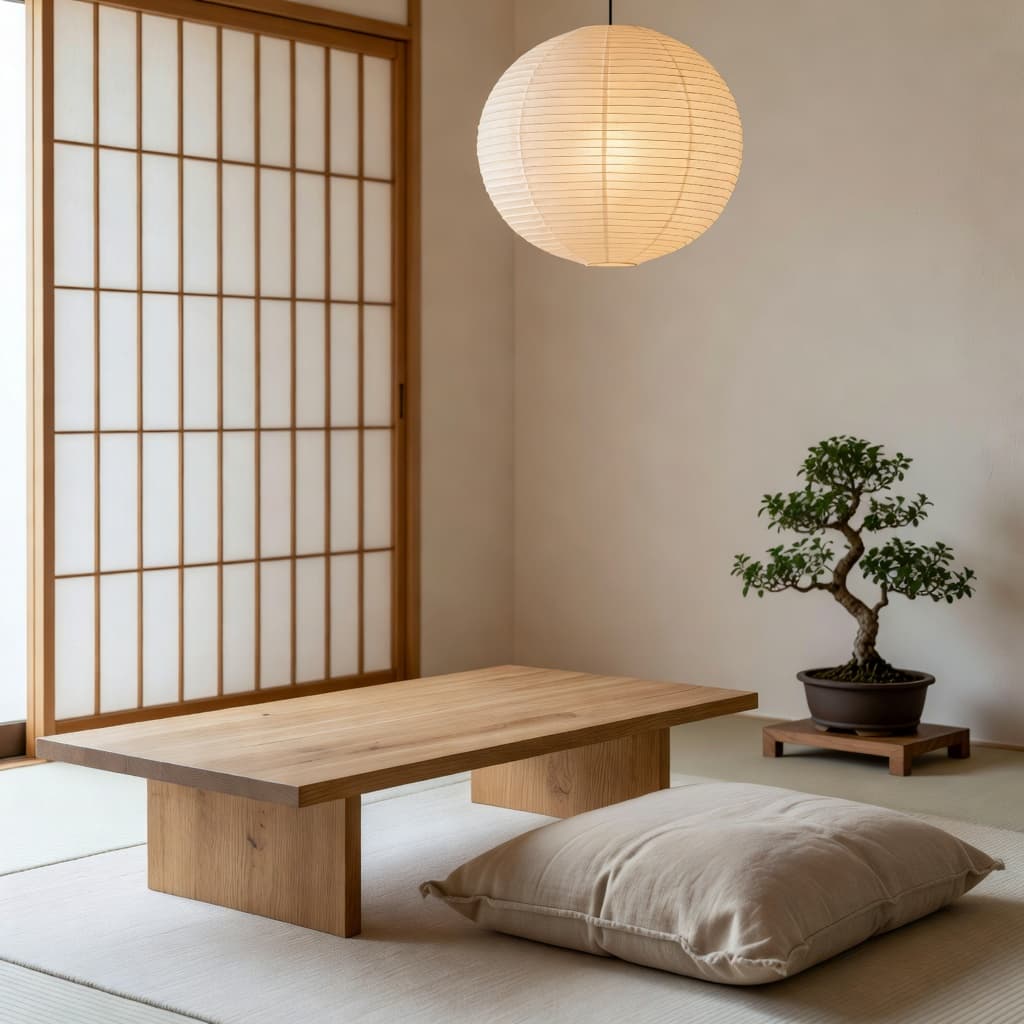
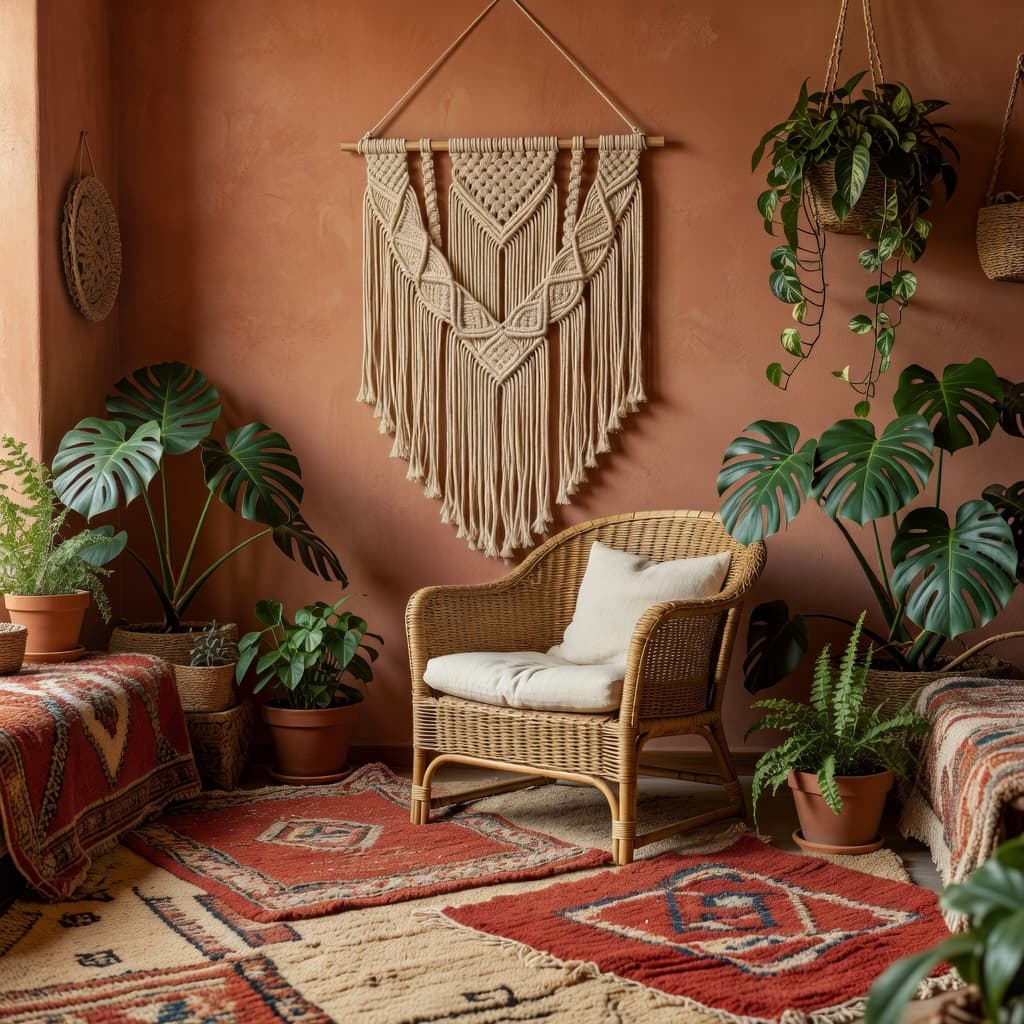

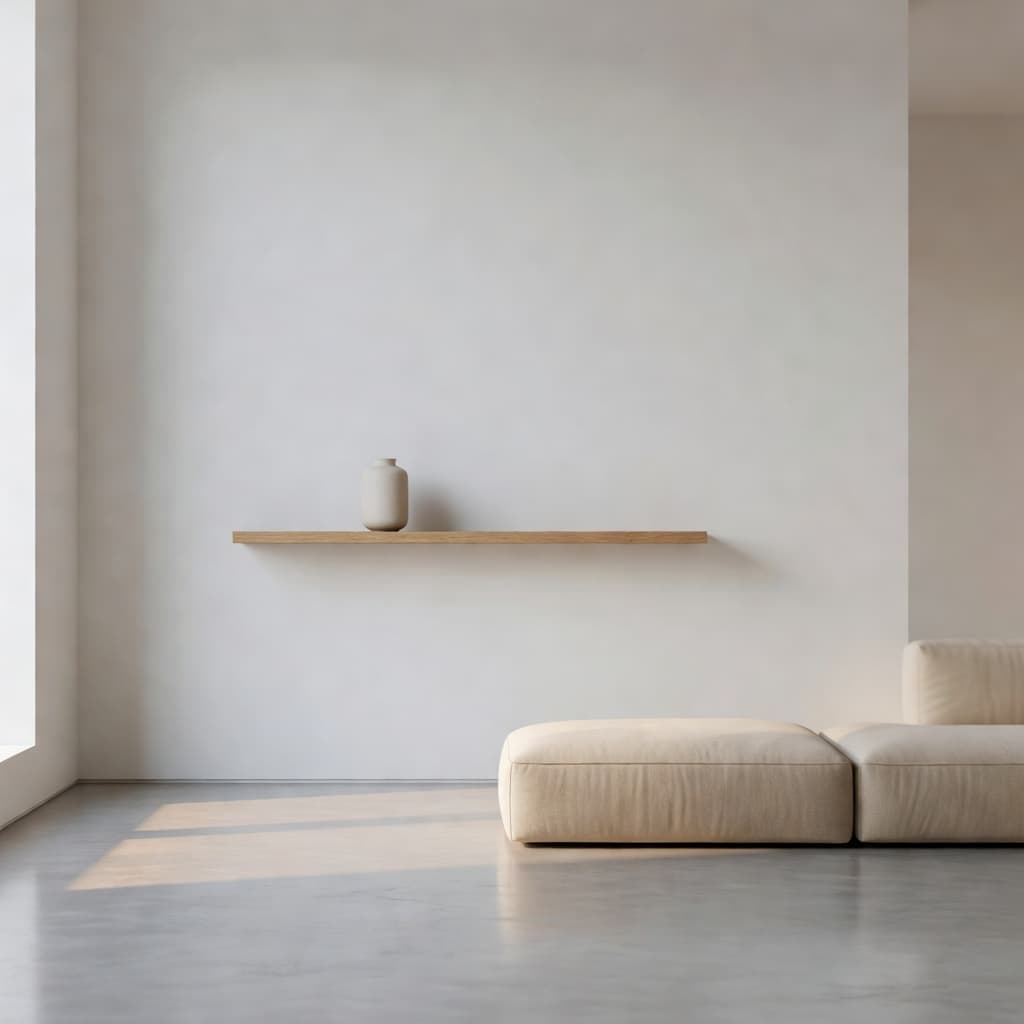
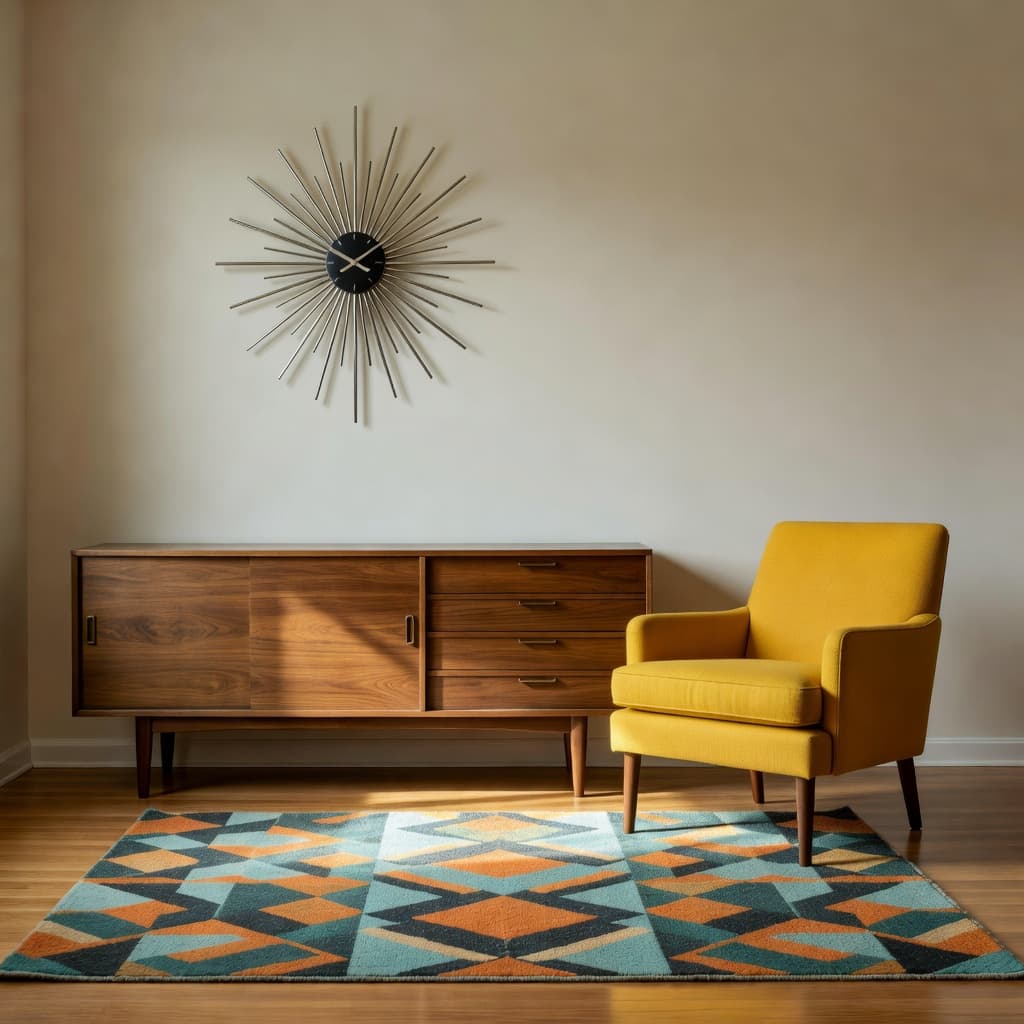
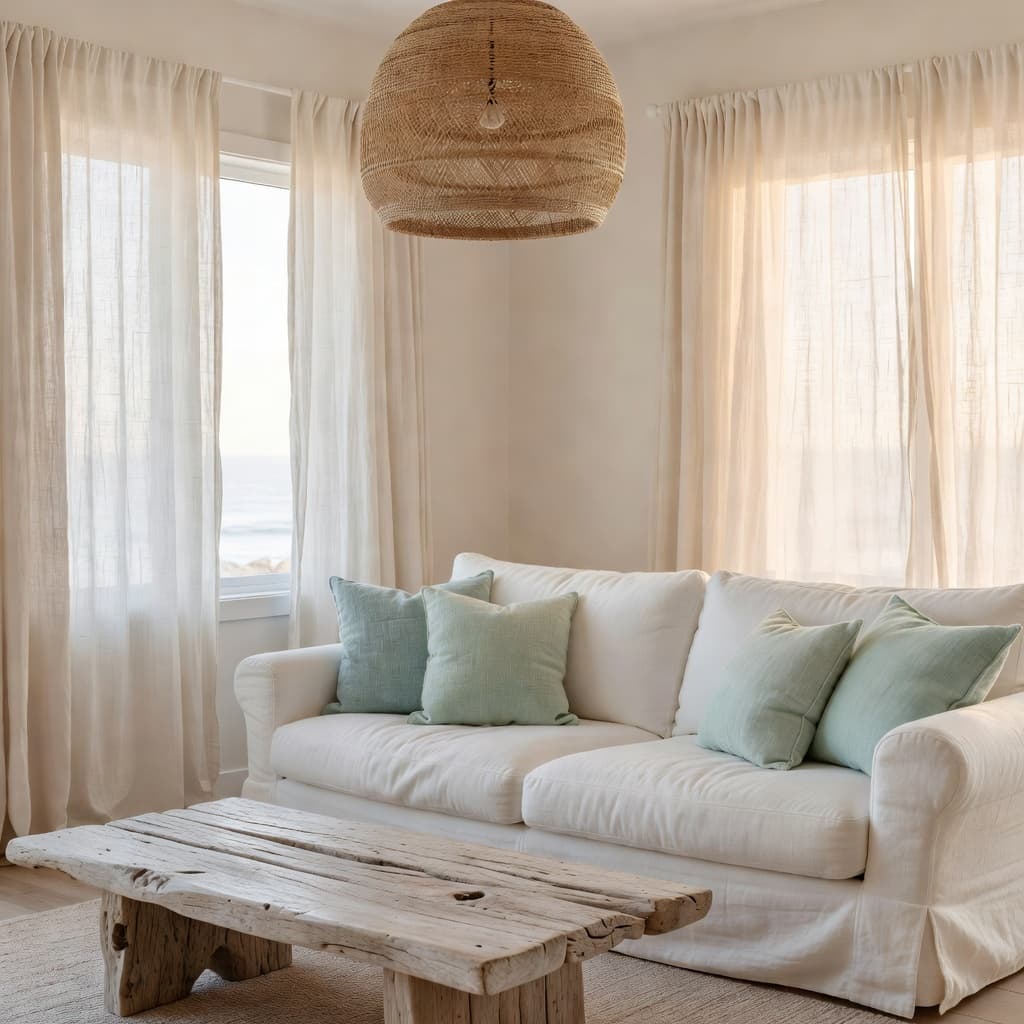
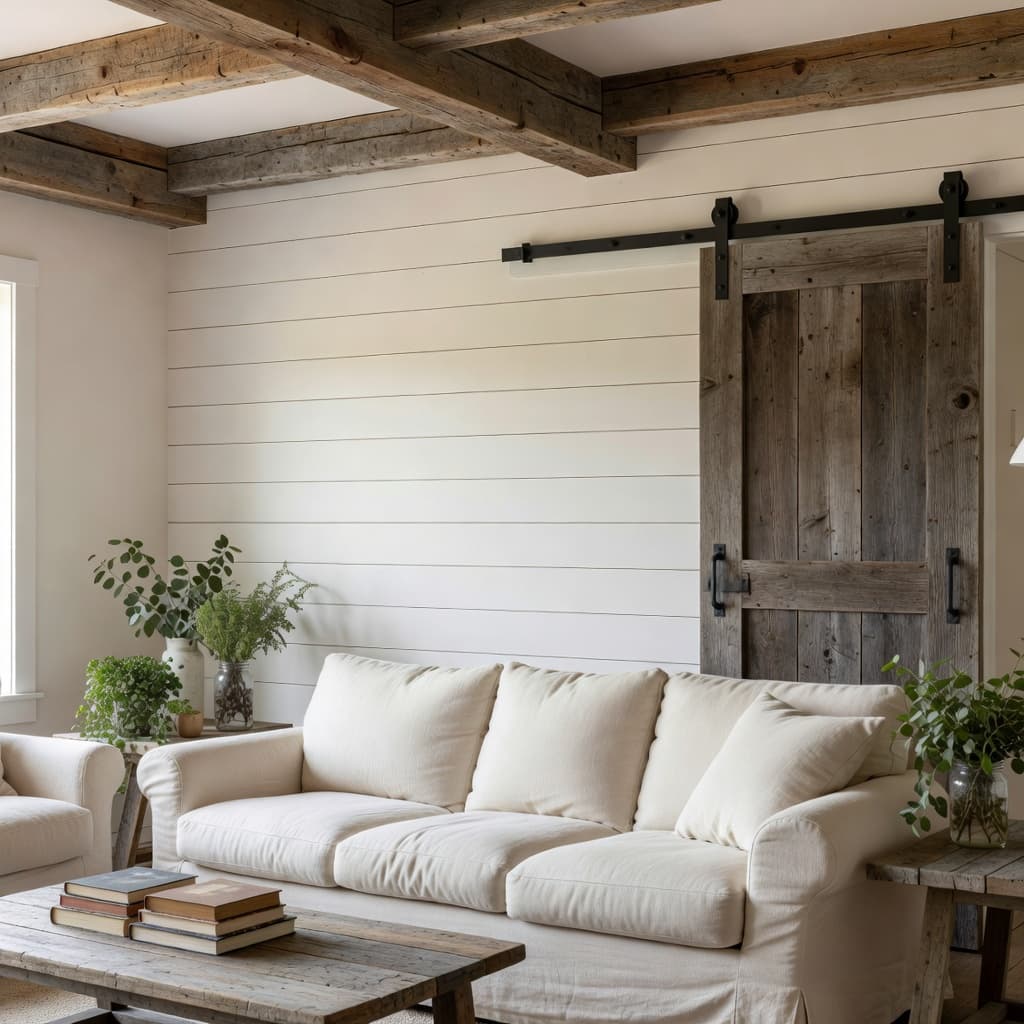
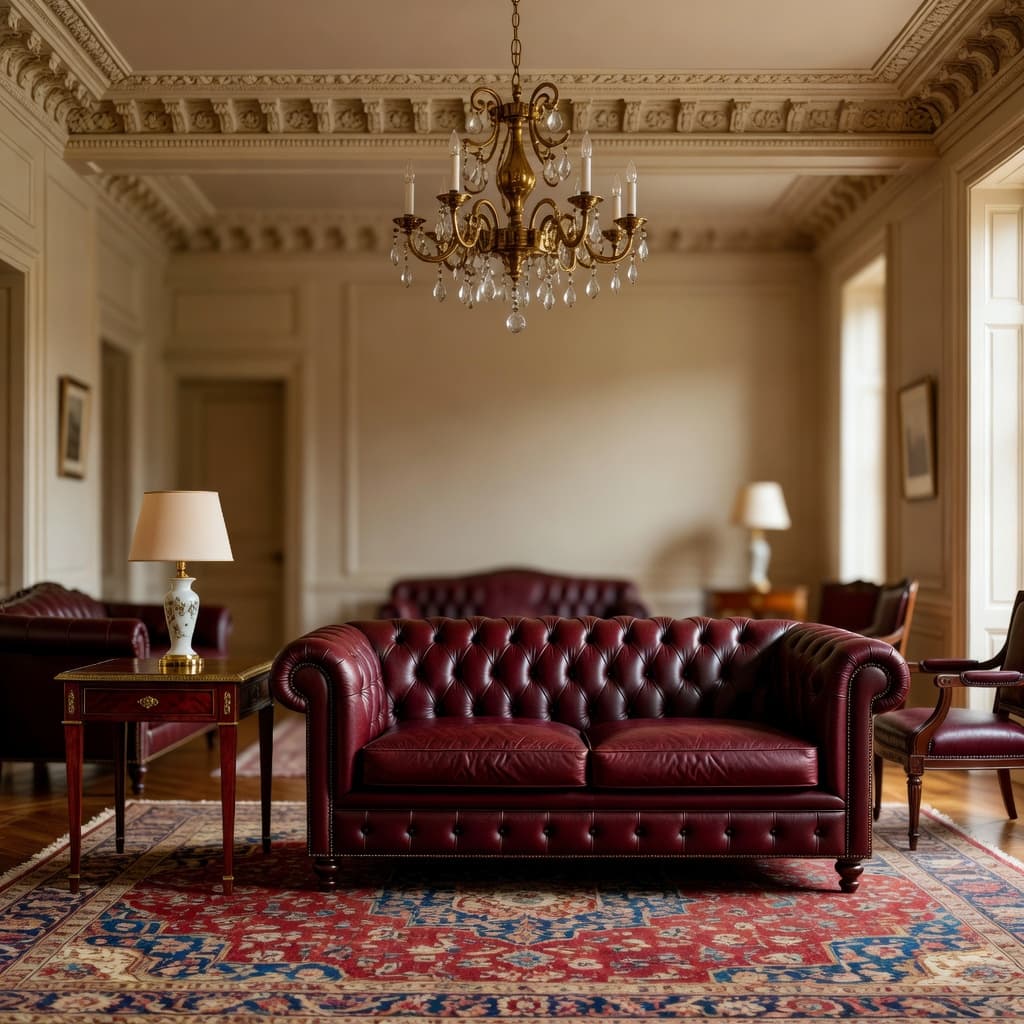
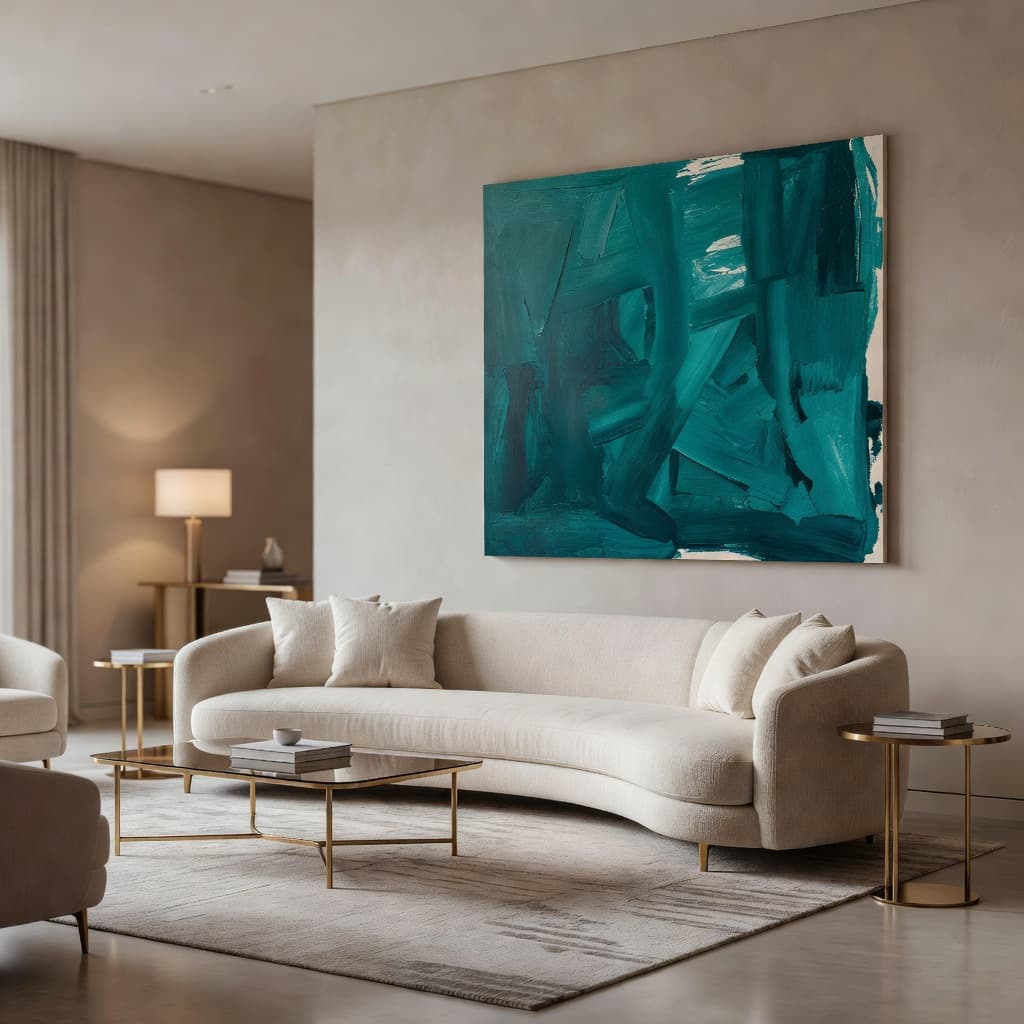
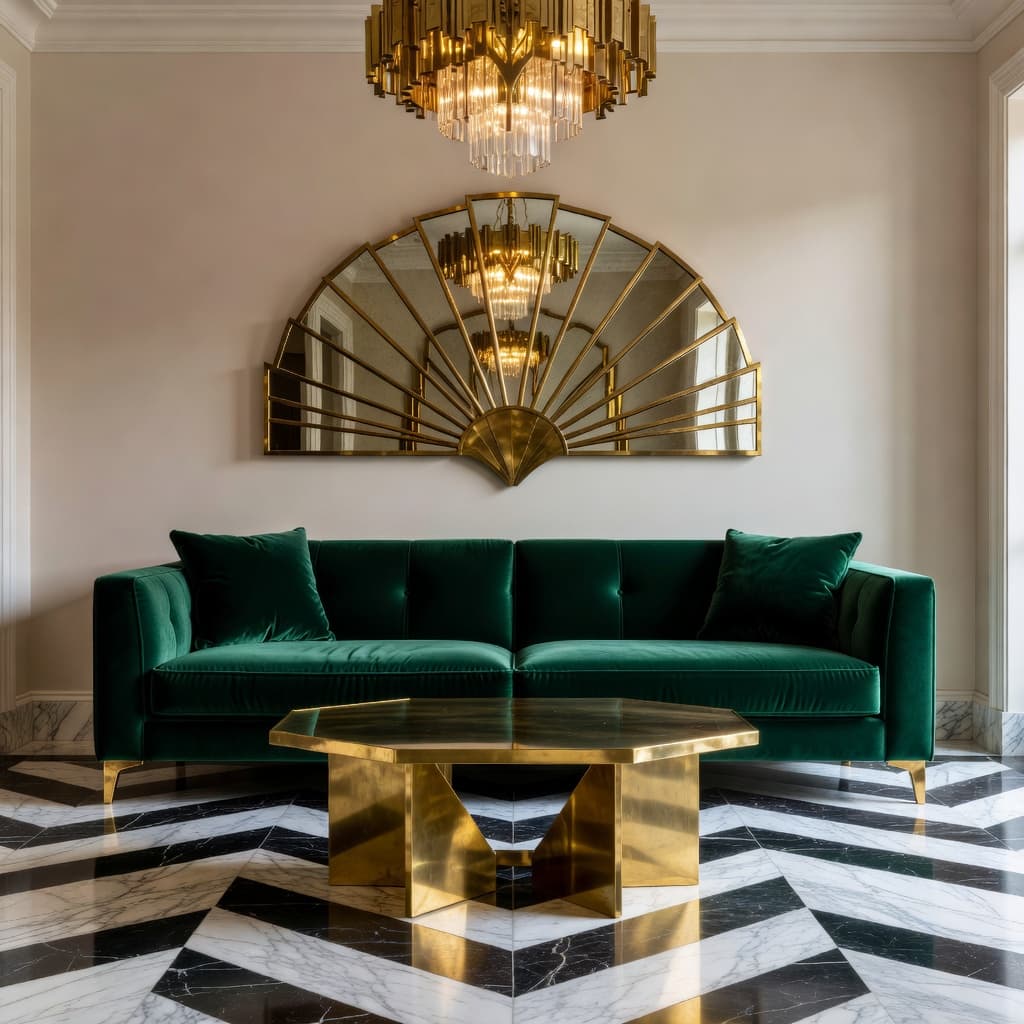
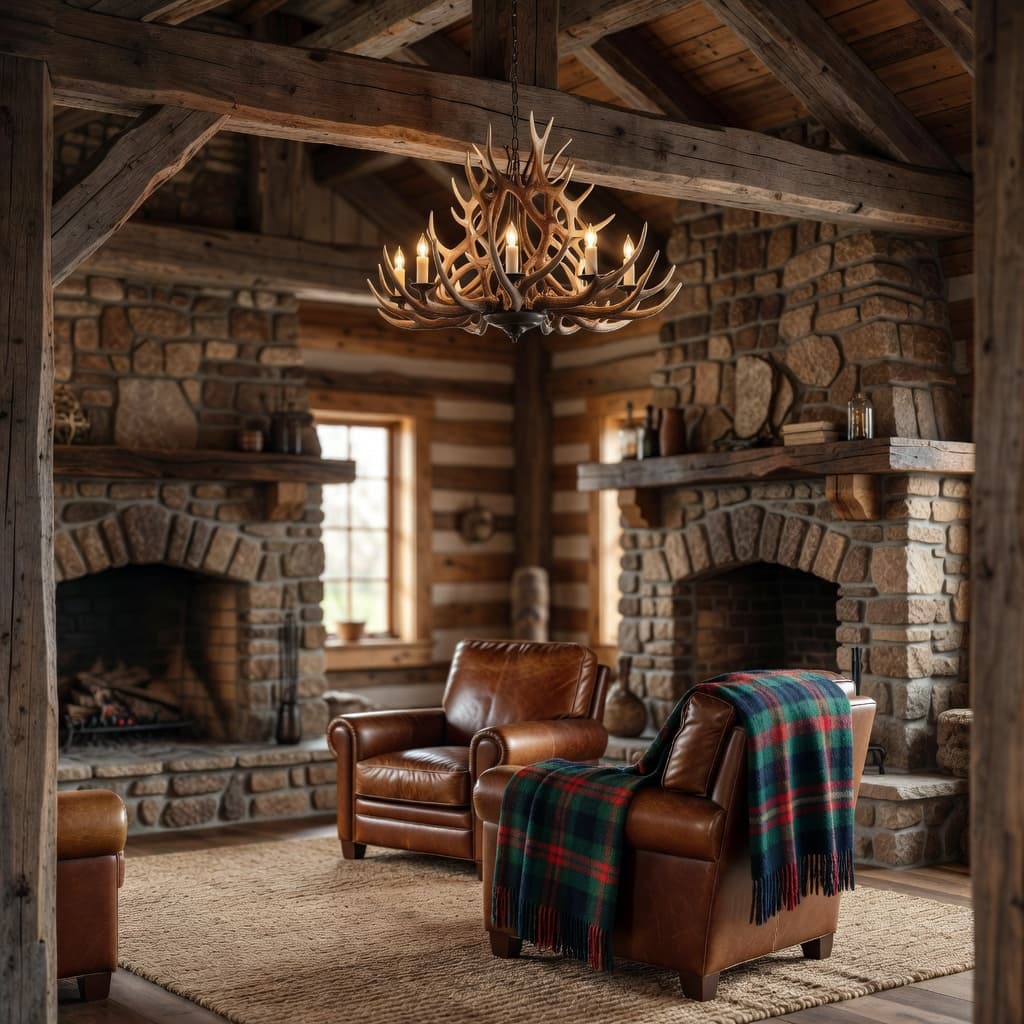
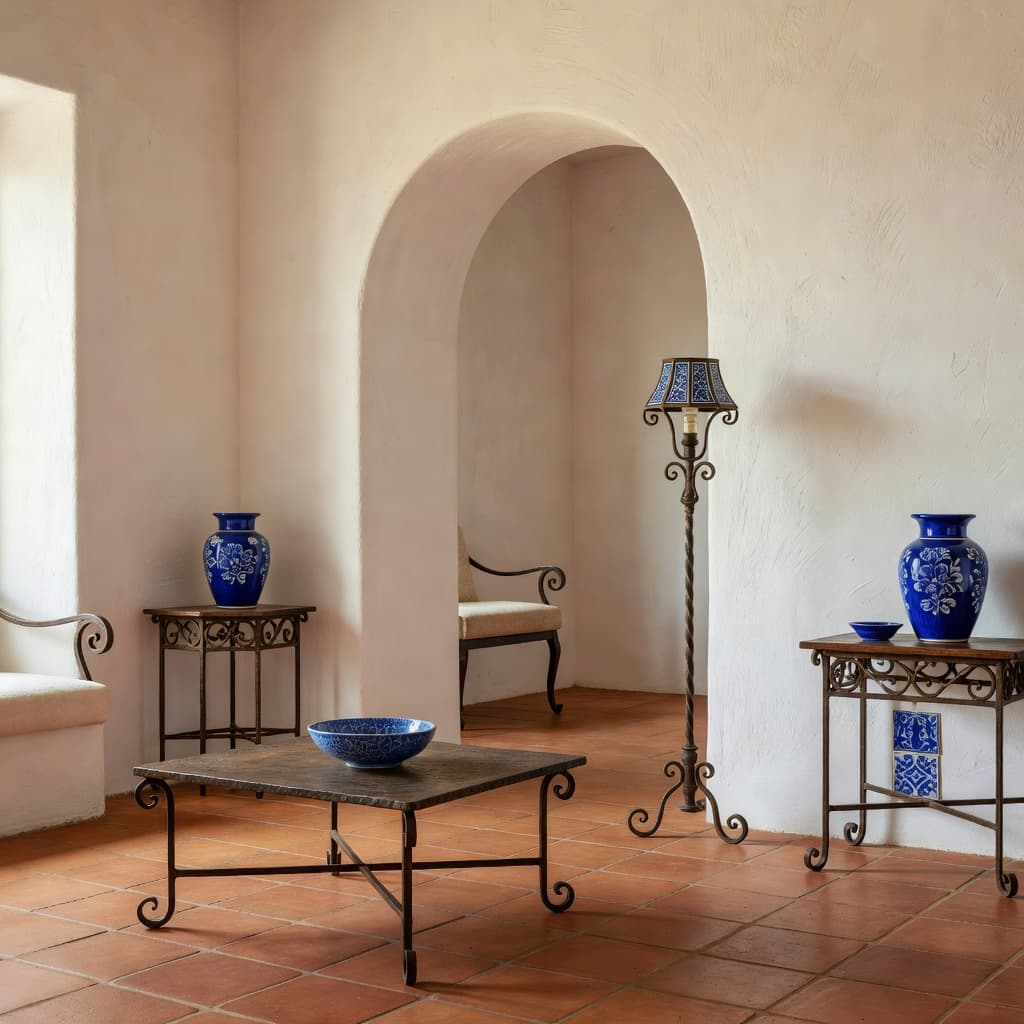

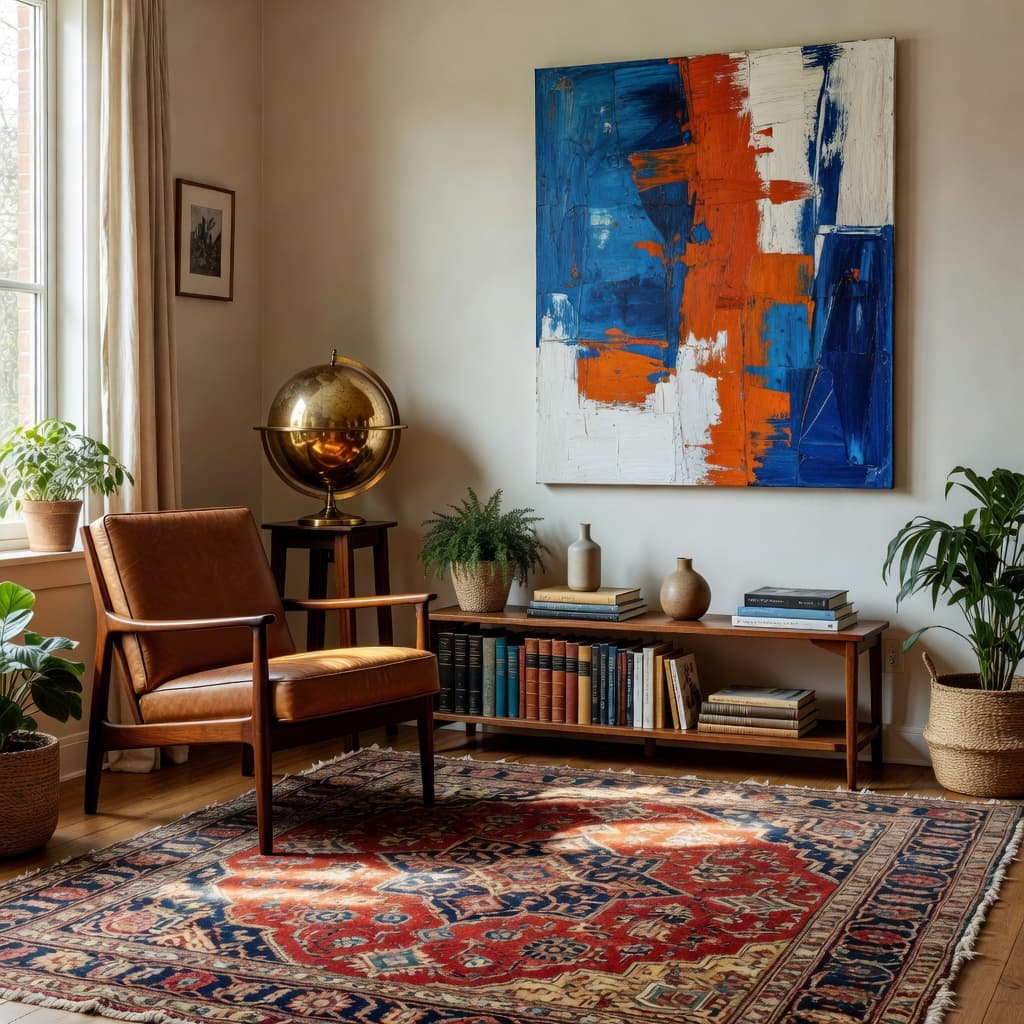

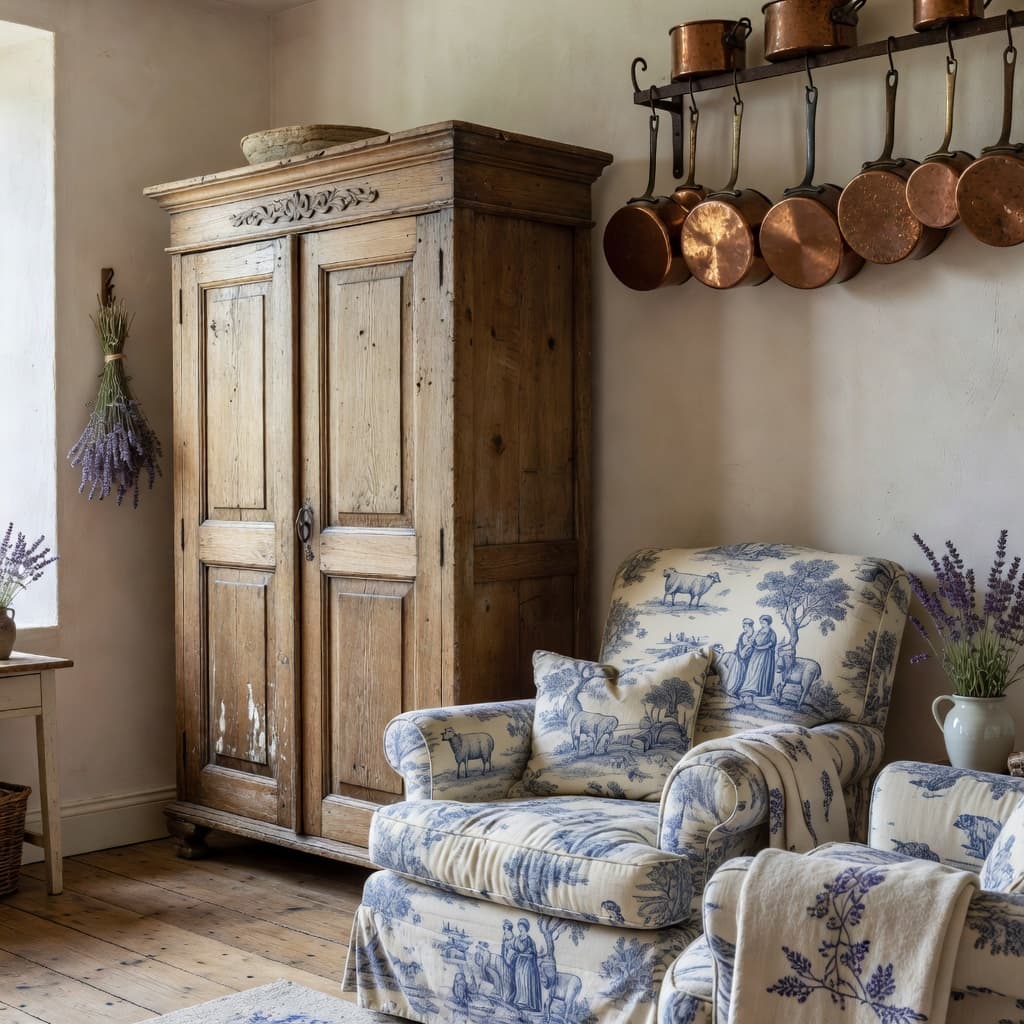
…and 10+ more inside the app. New styles added every month.
Picking a style is the hardest part of any redesign. These six are the most-redesigned looks on DecorAI in 2026 — what they are, why people love them, and where each one shines.
Warm minimalism that breathes.
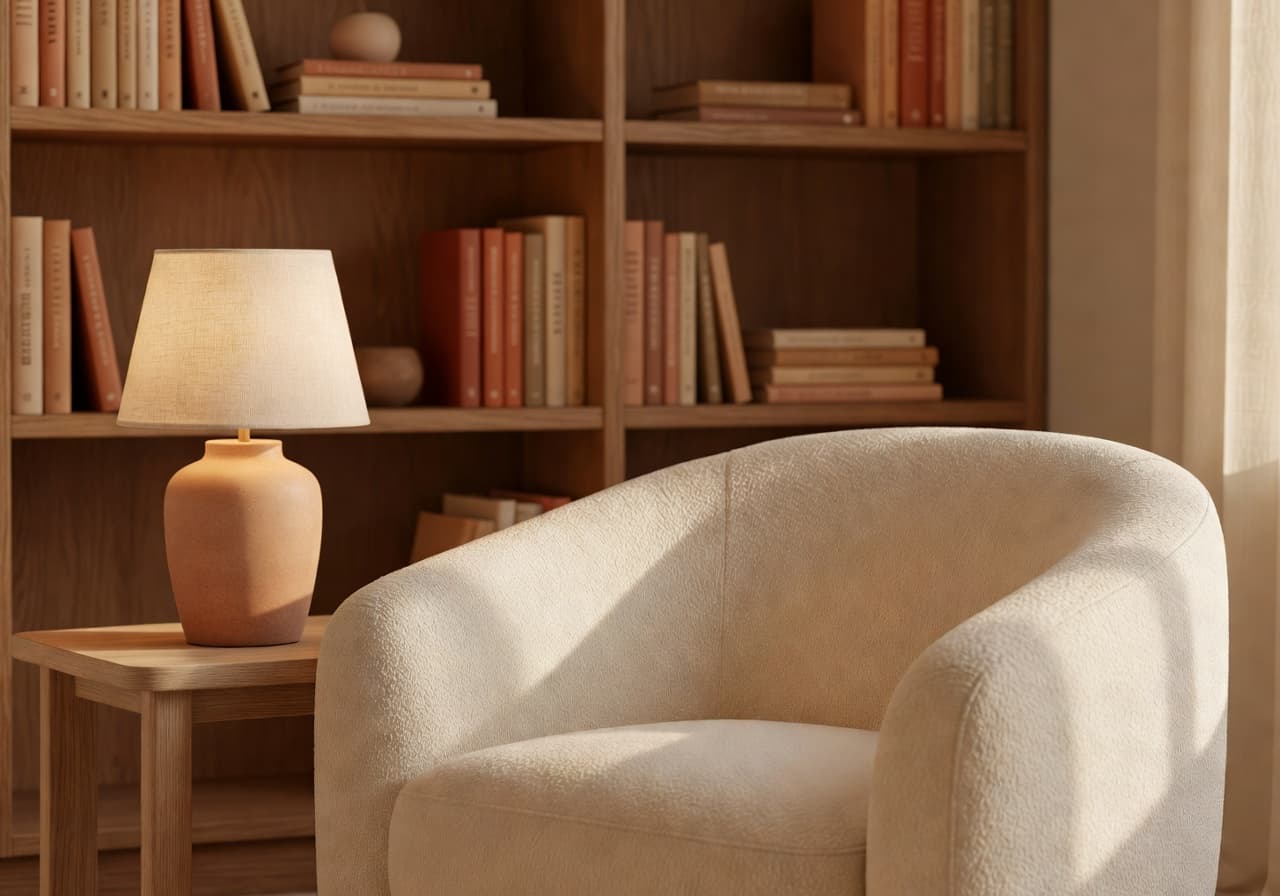
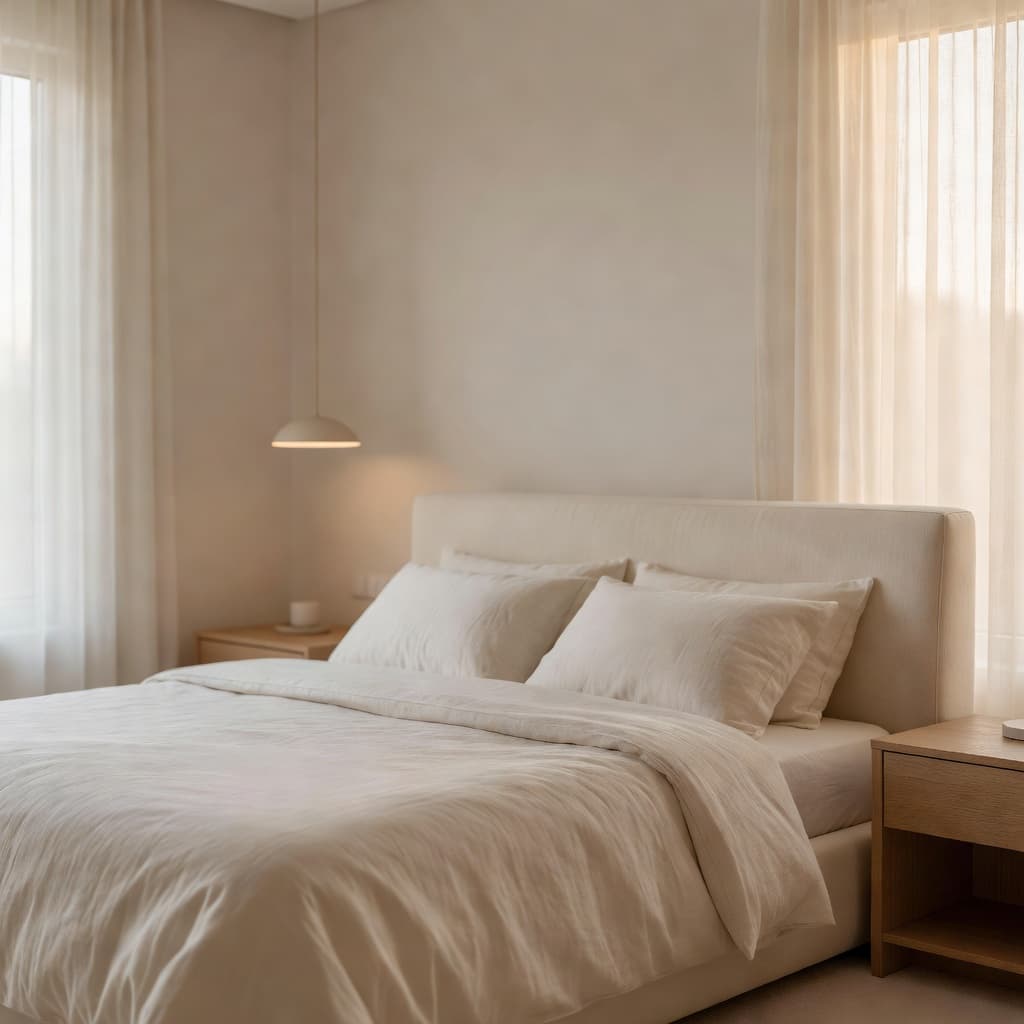
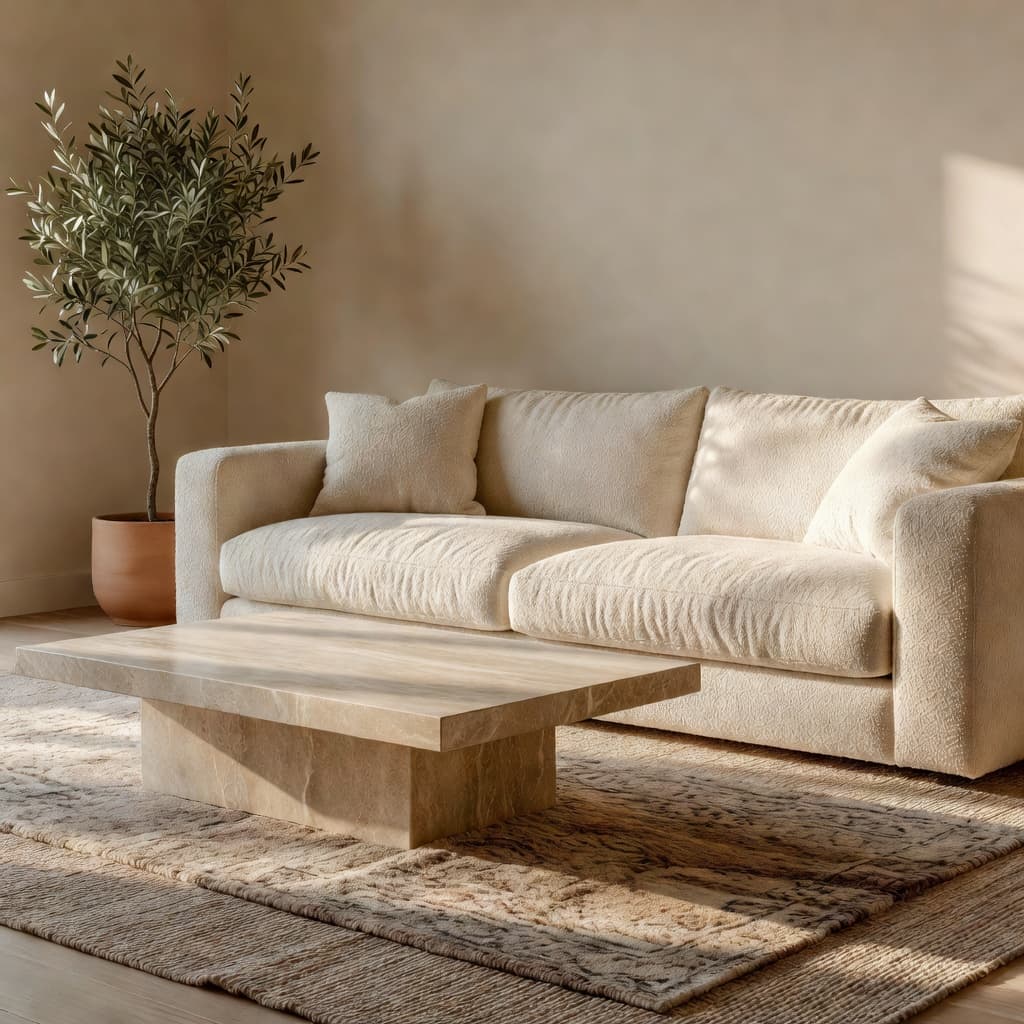
Scandinavian design strips a room down to what matters — pale woods, soft textiles, and lots of natural light — then adds just enough warmth to feel lived-in. Think bouclé sofas, wishbone chairs, dried pampas grass, and matte ceramics in cream and stone. It's the most-requested style on DecorAI for bedrooms and living rooms in 2026.
Where Japanese calm meets Scandinavian warmth.
Japandi blends the precision of Japanese minimalism with the cosy practicality of Scandinavian interiors. Low oak furniture, neutral linens, paper lanterns, and a single sculptural branch in a clay vase. Negative space does the heavy lifting. Japandi reads beautifully on photos, which is why it has become a favourite for Airbnb hosts and small-space dwellers.
Soulful, textured, layered.
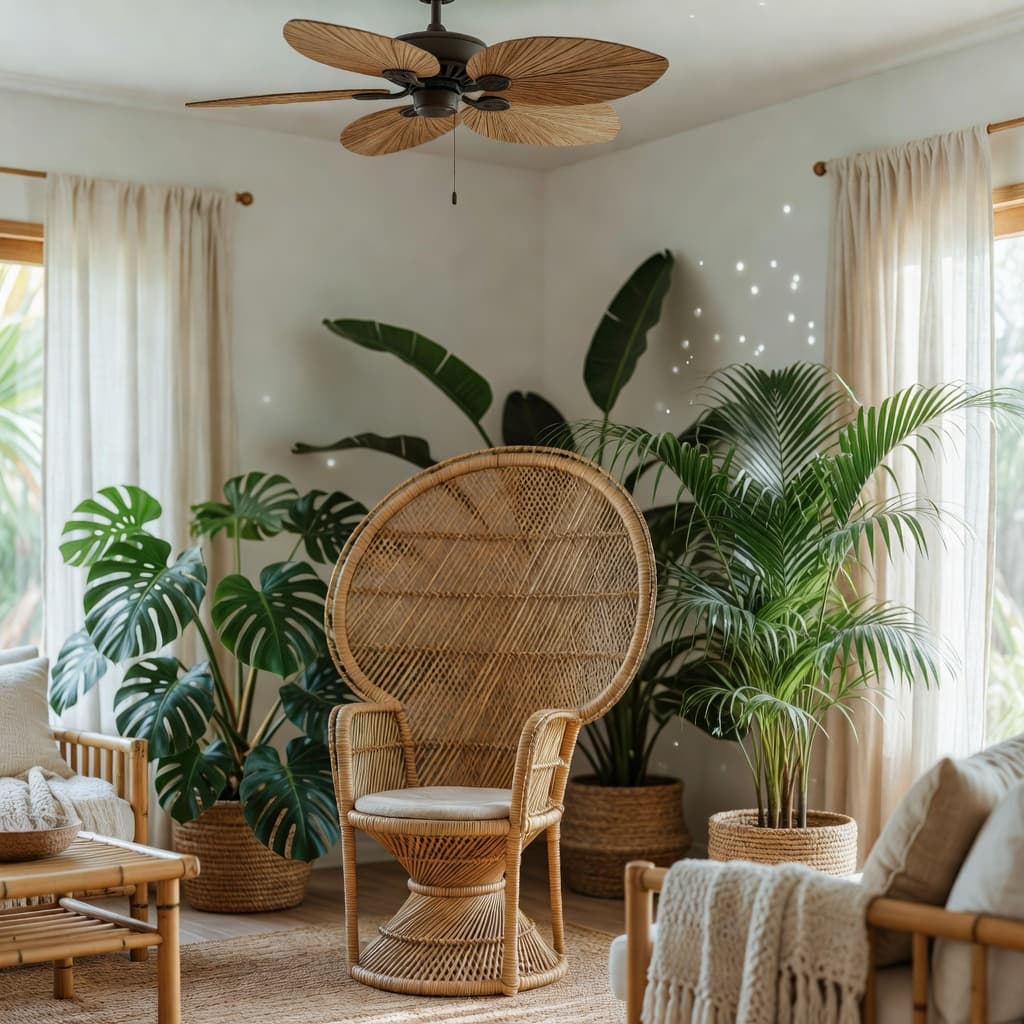
Modern Boho takes the colour and pattern of traditional Bohemian rooms and tones them down with cleaner shapes and a tighter palette. Expect terracotta and cream, layered Moroccan rugs, rattan furniture, macramé, and a lot of plants. It's playful but not loud — and it pairs really well with bedrooms, reading nooks, and creative offices.
Honest materials, confident proportions.
Industrial design celebrates the bones of a building — exposed brick, steel, concrete, and dark wood. Leather Chesterfields, Edison bulbs, factory windows, and reclaimed timber tables. It looks especially good in lofts and open-plan apartments. DecorAI's industrial style works well when your room already has high ceilings, beams, or unusual architecture.
Atomic-era confidence, brought up to date.
Mid-Century Modern is having a long, loud comeback. Walnut credenzas with tapered legs, mustard accent chairs, starburst clocks, and geometric area rugs. It's the easiest style to mix with modern pieces, which is why it's a top pick for first-time redesigns. It also photographs beautifully — every surface has a clear silhouette.
The beauty of imperfect, impermanent, and incomplete.
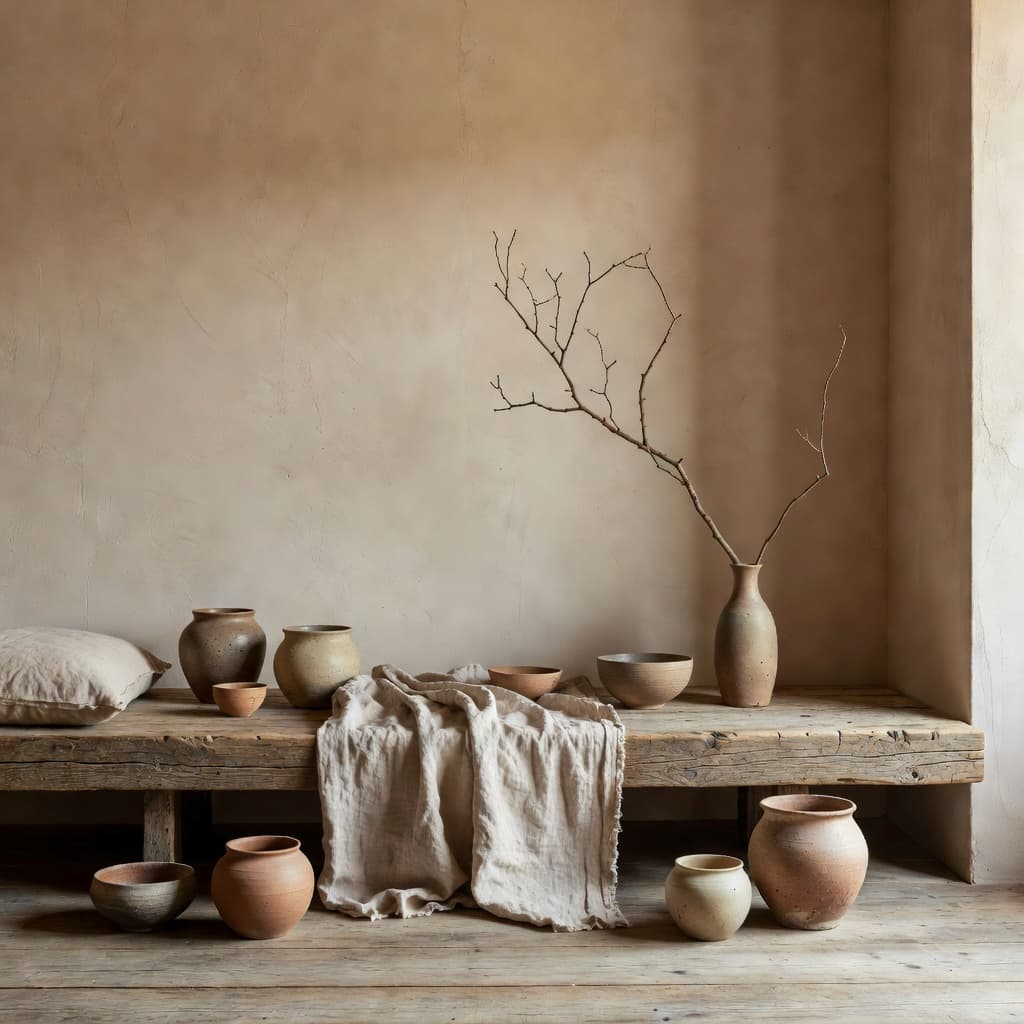
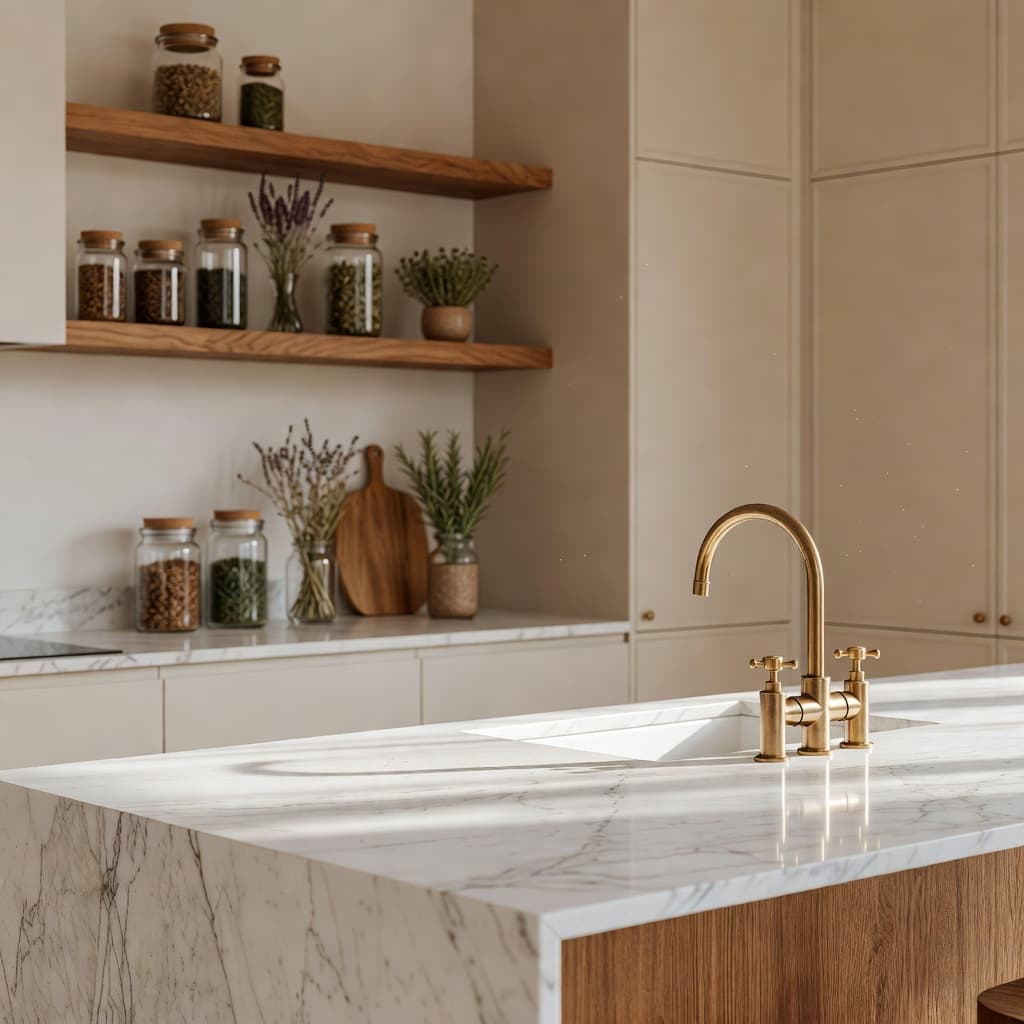
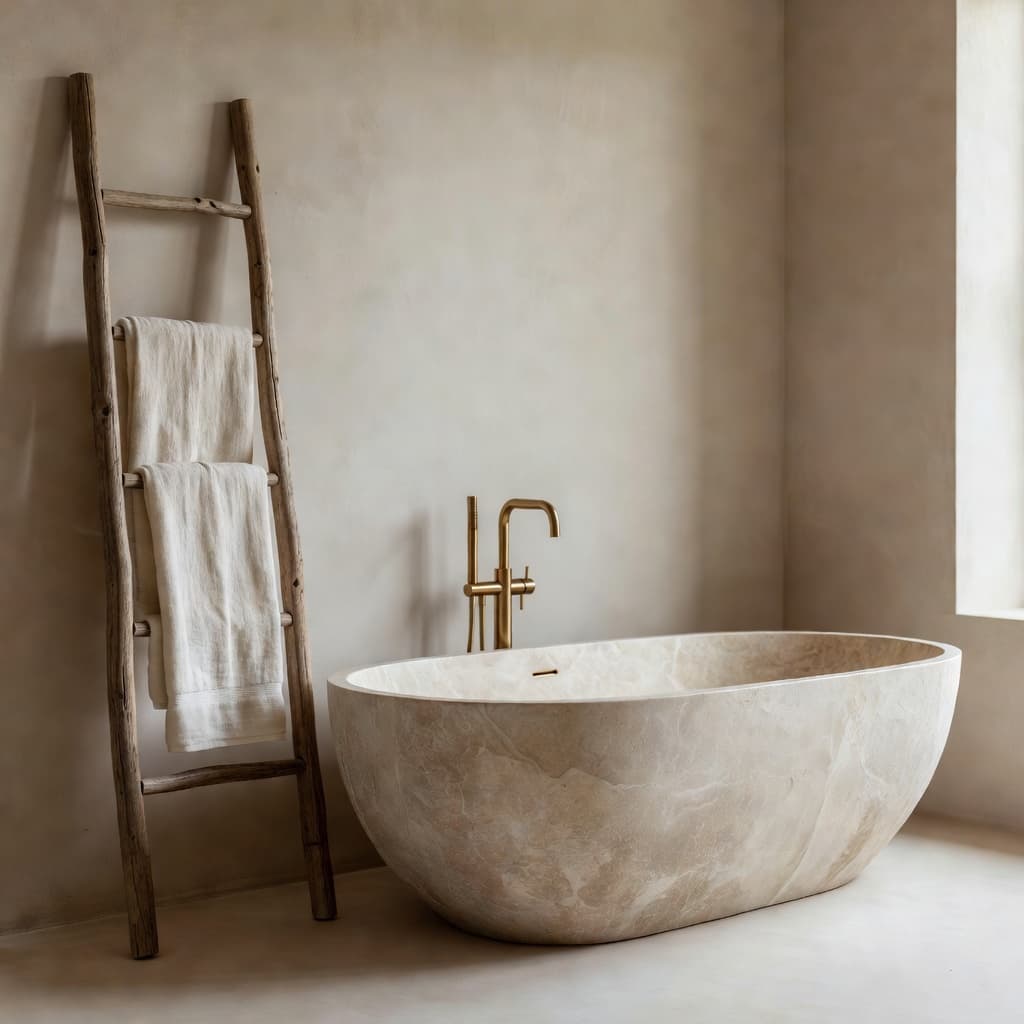
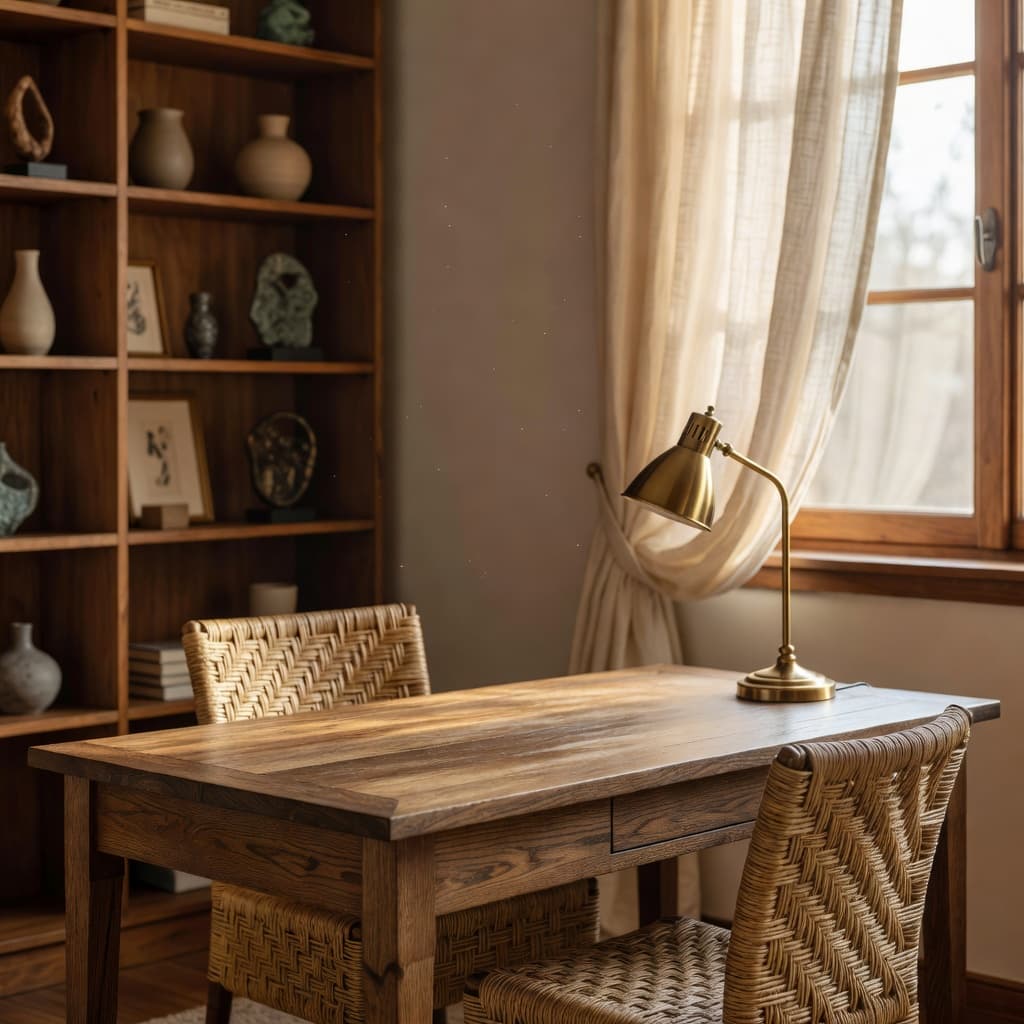
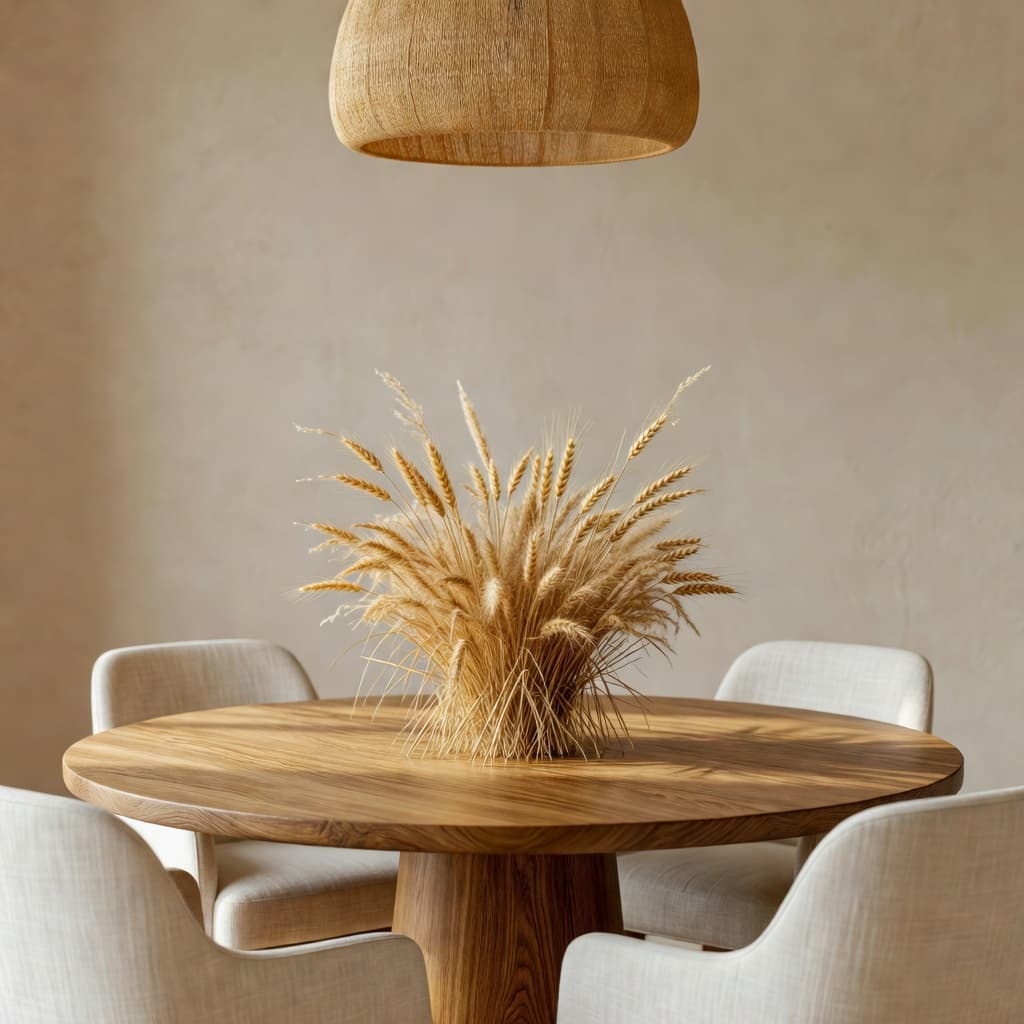
Wabi-Sabi is the most contemplative style in DecorAI. Hand-thrown clay vessels, raw linen, weathered wood, plaster walls, and a single branch instead of a bouquet. There is almost no decoration — and yet the rooms feel deeply human. If you want a space that calms you the moment you walk in, this is the style to try.
Still not sure? Run the same room through three or four styles inside the app — it's the fastest way to discover what you actually like, instead of what you think you should.
Works for any space — indoors or out. Snap a photo and try a fresh look in seconds.

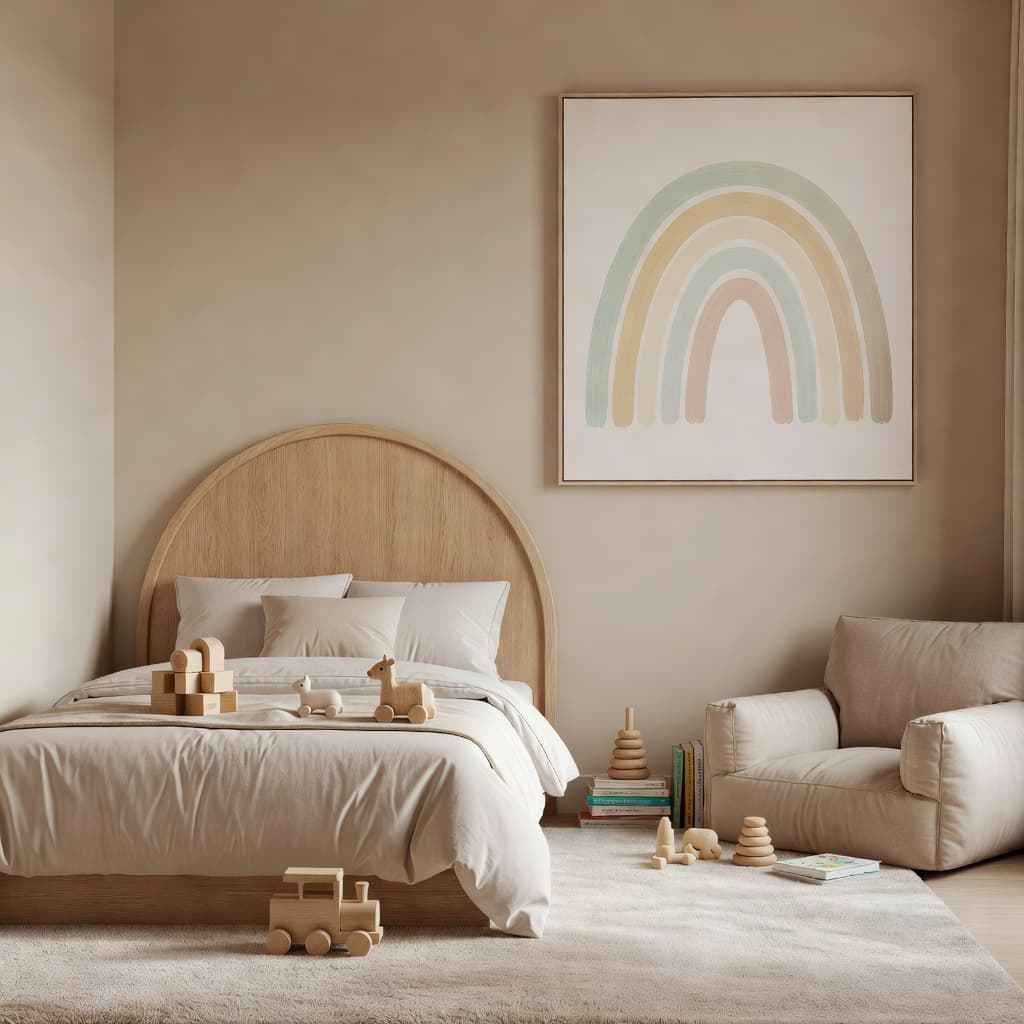
Plan your next renovation. See exactly how your home could look before you pick up a paintbrush.
Find rental-friendly design ideas without lifting a hammer.
Stage any listing virtually in minutes. Sell homes faster.
Pitch ideas to clients with photorealistic previews.
Refresh your rental and boost bookings with on-trend design.
See how new pieces will look in your room — before you buy.
Here's what makes DecorAI different from every other AI design app you've tried.
Get a redesigned room in about 10 seconds.
30+ design styles. New styles added every month.
Download free from the App Store or Google Play.
DecorAI uses the latest AI to keep your room's layout and add real-looking furniture.
No credit card. No sign-up wall.
Trusted by 5 million+ home lovers worldwide.
You don't need to know any of this to use the app — but if you're curious about why DecorAI's redesigns feel real instead of cartoonish, here's the short version.
The AI looks at your photo and identifies the walls, floor, ceiling, windows, doors, and existing large objects. That structure is locked. The geometry of your room is preserved.
When you pick, say, Japandi, DecorAI converts that label into a detailed visual brief — materials, colour palette, common furniture shapes, lighting moods, finishes — that the image model can follow.
The model renders new furniture and decor inside your room's structure. You keep the window where it is, the ceiling height stays the same, and the door doesn't move. Only the contents change.
The result is sharpened, colour-corrected, and checked for obvious artifacts before you see it. The whole pipeline runs in about 10 seconds on standard mobile hardware.
*With subscription. Free trial includes generous limits.
“I redesigned my entire bedroom in 5 minutes. Took screenshots and showed them to my contractor. He loved it.”
“I'm a real estate agent and I use DecorAI on every listing now. My homes sell 30% faster.”
“I rent, so I can't change much. DecorAI helps me see exactly which rugs and plants would change the whole vibe.”
“I tried five different AI design apps. DecorAI was the only one that kept my room's layout and made the furniture look real.”
“Listed my Airbnb after testing three styles in the app. Bookings doubled the next month.”
“I was about to drop $4k on furniture. Used DecorAI first and realized half of it would clash.”
Most people get a great result on their first try. These tips help you get the wow one.
Window light gives DecorAI the cleanest information about your room's geometry. Avoid heavy backlight (don't stand with a bright window directly behind the camera) and avoid harsh overhead bulbs that flatten the scene.
Standing in a corner lets the camera see two walls, the floor, and the ceiling — exactly what the AI needs to understand the space. Doorway shots tend to show only one wall and produce flatter redesigns.
You don't need to stage the room — but moving the laundry basket, the laptop charger, and the half-finished coffee out of frame helps the AI focus on the bones of the space.
It's free, fast, and often surprising. Even if you know you love Scandinavian, running the same photo through Japandi and Modern Bohemian makes the final choice feel obvious instead of forced.
DecorAI's job is to show you what the room could feel like. Use the rug, the sofa shape, and the lighting choices as a starting point when you shop — and don't be afraid to deviate. The vibe matters more than matching every object exactly.
Names changed, situations real. These are the kinds of small, everyday-impossible projects DecorAI is built for.
Mia moved into her first solo apartment with a beige couch she inherited and zero budget. She ran the living room through DecorAI in five different styles, screenshotted the Japandi version, and used it as a shopping list at her local thrift store. Total spend: $180 for a rug, two lamps, and a clay vase.
Kemal had a 1970s ranch home that was technically empty and emotionally exhausting. Instead of hiring a stager, he photographed the empty rooms, ran each through DecorAI in Modern Coastal, and put the AI renderings into the listing as 'concept previews'. The home sold above asking in nine days.
They had a spare bedroom, a partial budget, and three different opinions about what a nursery should look like. They redesigned the room in DecorAI three times — minimalist, warm pastel, and woodland — agreed on a hybrid, and shared the renderings with their carpenter and painter. No fights, no surprises.
Download the app and start redesigning. No credit card needed.
A few free redesigns to try it out.
Try Pro for a week. Cancel anytime.
Works out to just $0.67/week. Cancel anytime.
All pricing handled in-app via the Apple App Store and Google Play.
Still curious? The fastest way to see what DecorAI does is to try it.
DecorAI is an AI interior design app that redesigns any room from a single photo. Choose a style, and DecorAI shows you a realistic preview in seconds.
Yes — DecorAI is free to download and you get free redesigns to try it out. For unlimited redesigns, upgrade to Pro Weekly ($5.99/week) or Pro Yearly ($34.99/year — works out to about $0.67/week).
Take a photo of any room. Pick a design style. DecorAI uses AI to redesign the room and shows you the result in about 10 seconds.
DecorAI is one of the highest-rated AI interior design apps with 4.8 stars and over 5 million rooms redesigned. It offers more styles, more rooms, and faster results than most apps in 2026.
Any room — bedrooms, living rooms, kitchens, bathrooms, home offices, dining rooms, kids rooms, and even outdoor spaces like gardens and patios.
30+ styles, including Modern, Scandinavian, Japandi, Bohemian, Industrial, Minimalist, Mid-Century Modern, Coastal, Farmhouse, and many more.
Yes. DecorAI is available free on the Apple App Store and Google Play.
Yes. Many renters use DecorAI to plan rental-friendly updates — like new furniture, rugs, art, and plants — without making permanent changes.
Yes. Real estate agents use DecorAI to virtually stage listings in minutes, which helps homes sell faster.
DecorAI uses the latest AI image models to produce photorealistic results that keep your room's layout while adding realistic furniture and decor.
No. Anyone can use DecorAI. If you can take a photo, you can redesign your room.
Yes. Your photos are processed securely and never shared. You can delete your data anytime from inside the app.
Yes. Save designs to your phone, share them with friends, or send them to your contractor or designer.
Cancel anytime in your Apple App Store or Google Play subscription settings. No questions asked.
DecorAI keeps your room's actual layout — walls, windows, ceiling height — and replaces only the furniture, decor, and finishes. Many other AI apps generate a completely new room that no longer matches your space. DecorAI also has more styles (30+), faster results (~10s), and a higher App Store rating than most competitors in 2026.
DecorAI is widely considered one of the best AI apps for bedroom redesigns. Snap a photo of your bedroom, pick a style like Scandinavian, Japandi, or Boho, and you'll see a photorealistic version with new bedding, nightstands, lighting, art, and rugs — usually in under 10 seconds.
Yes. DecorAI works on rooms of any size — studio apartments, small bedrooms, narrow hallways, and tiny bathrooms. The AI preserves your existing dimensions, which is especially useful for small-space planning where every inch matters.
Yes. DecorAI can redesign patios, balconies, backyards, gardens, decks, and porches. Snap a photo and pick an outdoor style — modern, Mediterranean, Boho, tropical — and DecorAI will suggest furniture, planters, lighting, and finishes that fit the space.
Yes. You can re-run the same room in a different style, generate multiple variations, or save your favourites to a library. Inside the app you can also switch the room type and try different prompts for fresh ideas.
Japandi is a fusion of Japanese minimalism and Scandinavian warmth. Think low oak furniture, beige and stone tones, paper lanterns, and uncluttered spaces. It's one of the most-redesigned styles on DecorAI in 2026 because it's calming, easy to live with, and works in almost any room.
Yes — and many hosts do. Use DecorAI to preview a refresh before you spend money on furniture, or to mock up themed rooms (Coastal, Japandi, Boho) that photograph well in listings. Hosts report higher click-through and booking rates after redesigning their listings.
DecorAI gives you a high-quality visual concept in seconds — perfect for inspiration, planning, and shopping decisions. A human designer brings personalised judgment, sourcing, and project management. Many designers actually use DecorAI as a first-pass tool to show clients quick concepts before doing detailed work.
DecorAI runs on iPhone (iOS 15 and later), iPad, Android (8.0 and later), and any modern web browser at app.decoraihome.com. Your designs sync across devices once you sign in.
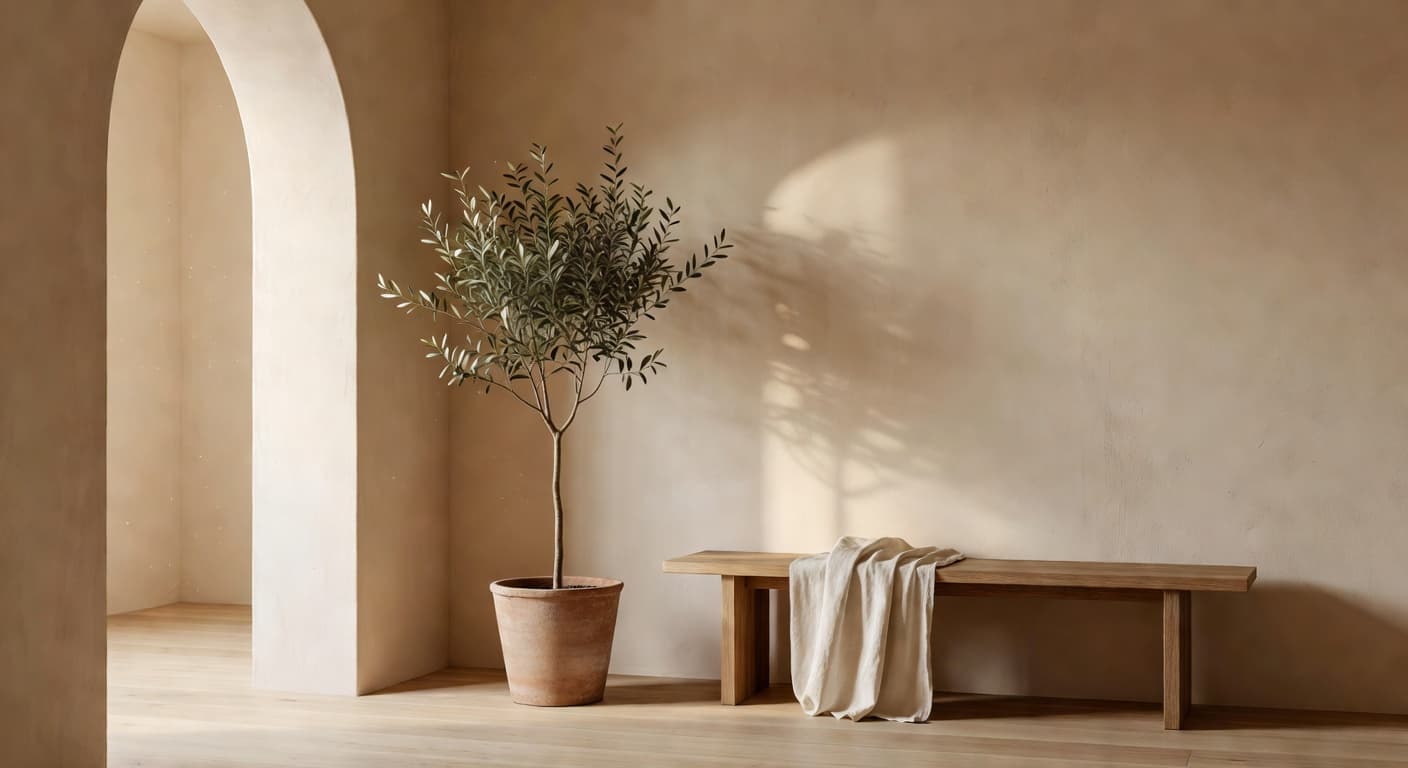
Download DecorAI free and redesign your first room in under a minute.

DecorAI is an AI-powered interior design app for iPhone, Android, and the web. It turns a single photo of any room into a photorealistic redesign in about ten seconds. Made by Rocket Digital Limited, it's used by over five million people in more than 150 countries — from first-time homeowners and renters to real estate agents, Airbnb hosts, and interior designers.
The app currently supports more than thirty design styles, including Modern, Scandinavian, Japandi, Bohemian, Industrial, Minimalist, Mid-Century Modern, Coastal, Farmhouse, Mediterranean, Maximalist, French Country, Wabi-Sabi, Hollywood Regency, and Tropical. It works across eight major room types — bedroom, living room, kitchen, bathroom, home office, dining room, kids room, and outdoor spaces — with new styles added every month.
DecorAI is nota replacement for a working architect or a full-service interior designer. It won't draw construction documents, source furniture for you, or project-manage a renovation. What it does, extremely well, is give you a fast, beautiful, photoreal preview of what a room could feel like — so the conversations and decisions that follow are based on something concrete instead of a Pinterest mood board.
The app is free to download and free to try, with no credit card required. Pro subscriptions ($5.99/week or $34.99/year) unlock unlimited redesigns, the highest quality output, and priority generation speed. All billing is handled through the Apple App Store and Google Play; you can cancel anytime.
For press inquiries or partnership questions, write to hello@decorairoom.app. For support, write to support@decorairoom.app.